
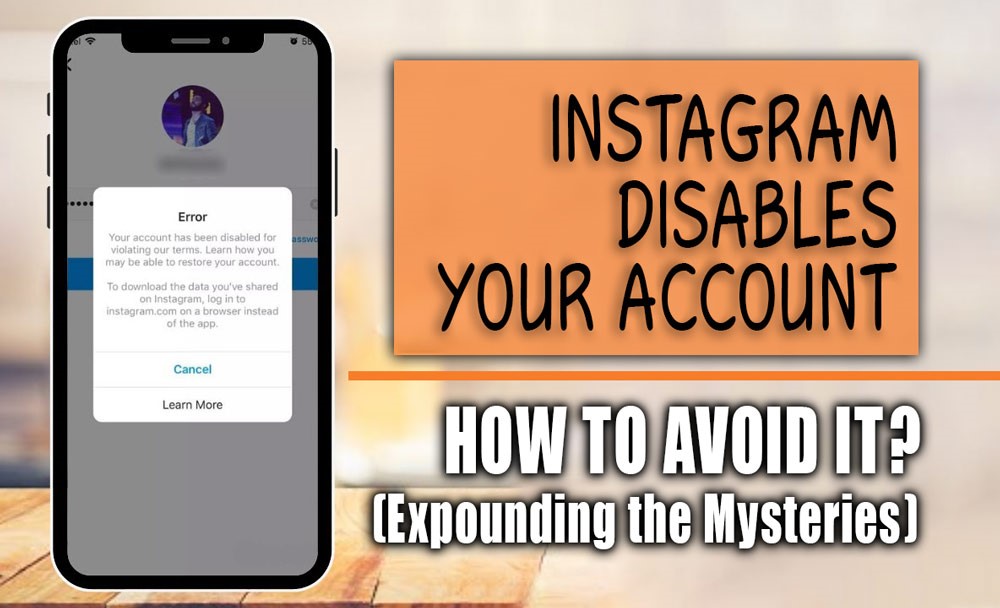
Have you ever tried to open your Instagram only to be hit with that frustrating message: “Your Instagram account disabled”, and you have no idea why? That mix of confusion, annoyance, and panic hits all at once, leaving you stuck and wondering what went wrong.
It feels like there’s an invisible red line you accidentally crossed, but you didn’t even get a chance to explain yourself! Don’t worry, this isn’t the end of the road.
In this guide, we’ll break down why Instagram disables accounts, how you can get yours back, the warning signs to watch out for, and, most importantly, how to avoid this mess in the future. Ready to uncover the mystery behind the lockout?
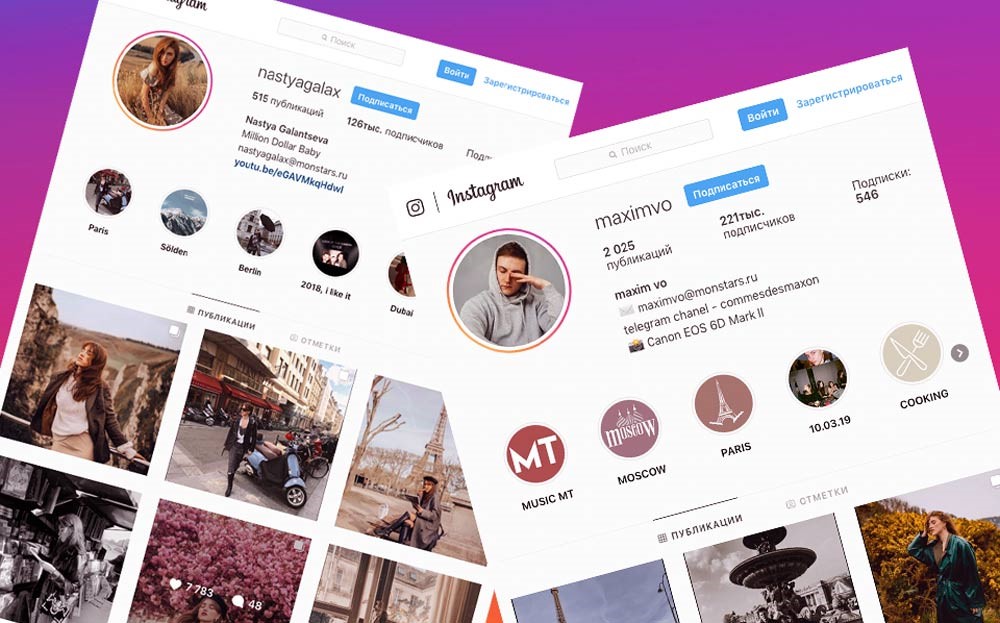
What are the signs of Instagram account disabled?
Recognizing early signs helps you act fast before the situation worsens. When Instagram disables an account, you might notice:
- Unable to log in with an “Instagram account has been disabled “message.
- Your profile disappears from searches.
- Your posts and stories are no longer visible to others
- You lose access to some features, like posting or commenting
- Receiving emails from Instagram about policy violations or appeals
If you notice any of these, it’s critical to review Instagram’s policies and start the recovery process immediately by contacting Instagram support through its contact channels.
If you need to save Instagram content, using a litedownloader Instagram downloader can help you get the files you want quickly and without hassle.
Why Did Instagram Suspend My Account? (+ Solutions)
Instagram may disable your account for a variety of reasons; some obvious, others less so. Understanding why Instagram Account Disabled happens and how to recover your account is the first step toward regaining access.
Below, we explain the most common Instagram suspension reasons along with real-life examples and actionable solutions.
1. Violating Instagram’s Content Guidelines
For example, if you post a photo or video that contains graphic violence, nudity, hate speech, or misinformation (even if your intention was to raise awareness) Instagram’s automated systems or user reports may flag this content as inappropriate according to Instagram community guidelines. This can lead to your account being disabled.
- Review your content and remove anything that violates guidelines.
- Submit an Instagram disabled account appeal through Instagram’s official form.
- Explain clearly that your intention was educational or informative and that you will comply with the rules moving forward.
2. Suspicious or Unusual Activity
Imagine logging into your account several times within a few hours from different countries (say, from Australia, then the USA, then Europe) or frequently switching VPN locations.
This kind of behavior can trigger Instagram’s security systems to flag your account for suspicious activity and disable it temporarily, sometimes resulting in your Instagram account locked.
- Immediately change your password and enable two-factor authentication (2FA).
- When submitting an appeal, explain your travel or VPN usage to clarify the situation.
3. Being Mass-Reported by Other Users
If your account belongs to a controversial niche or you’re involved in heated discussions, there’s a risk of being mass-reported by groups of users. Instagram may disable your account temporarily while investigating these reports, even if you didn’t actually violate any rules, which can sometimes feel like having your Instagram account disabled without reason.
- Submit a calm, clear appeal explaining your side of the story.
- Provide any evidence or screenshots that support your claim of compliance with community guidelines.
4. Using Bots or Automation Tools
If you use third-party apps or bots that automatically like, comment, or follow hundreds of users per day, Instagram’s algorithms will detect this behavior and disable your account to prevent spam. This is a common cause for an Instagram account being banned due to violating automation policies.
- Stop using any automation tools immediately.
- Disconnect unauthorized third-party apps linked to your Instagram.
- Mention in your appeal that you have ceased all bot activities and will engage organically moving forward.
Read more: Before you despair, make sure your account isn’t shadowbanned, and study our article How to Know If You’ve Been Shadowbanned will help you.”
5. Buying Followers or Fake Engagement
Purchasing thousands of followers or likes overnight may sound tempting, but Instagram’s algorithms are designed to detect fake engagement. If flagged, this could result in your account being disabled as it violates Instagram’s terms of service and policies.
- Cease all fake engagement activities immediately.
- When appealing, honestly acknowledge the issue and promise to build real, organic engagement only.
6. Copyright Violations
Posting copyrighted music, videos, or images without proper permissions can lead to Instagram account disabled. For example, uploading popular music tracks to your stories without a license is a common reason for this issue.
- Remove any copyrighted material immediately.
- Provide proof of ownership or authorization when appealing, if available.
7. Impersonation or Fake Identity
Creating an account pretending to be a celebrity, brand, or someone else violates Instagram’s policies. For instance, if you set up a profile using a famous person’s name and photo, Instagram will likely disable it to prevent impersonation.
- Verify your real identity by submitting an official government-issued ID through the Instagram verification process.
- Update your profile details to reflect your genuine identity or brand.
8. Banned or Misused Hashtags
Using hashtags that Instagram has banned due to spam or inappropriate content can harm your account. For example, some hashtags that seem harmless may suddenly get blocked, reducing your content’s reach or even triggering account restrictions.
- Regularly check the status of hashtags before using them.
- Remove banned or risky hashtags from your posts to stay safe.
9. Long Periods of Inactivity
If you stop using your Instagram account for months or years, the app may consider it inactive and Instagram account disabled to free up usernames or clean inactive accounts.
- Log in regularly to maintain activity.
- If disabled due to inactivity, try to follow the on-screen recovery steps or submit a support request to begin Instagram account recovery.
If you combine understanding these common causes with taking prompt recovery steps, you significantly increase your chances of getting your Instagram account back. Always remember, transparency and prompt action are your best tools when dealing with Instagram suspensions.
(8) Ways to Prevent Your Instagram Account from Getting Disabled
Prevention is always better than a cure! Especially on platforms like Instagram where rules constantly evolve. Implementing these practices safeguards your account from becoming an “Instagram account disabled”:
- Verify Your Account: Add and confirm your email and phone number; enable two-factor authentication for extra security. Complete the Instagram verification process to strengthen your account’s legitimacy.
- Maintain Natural Behavior: Avoid spamming actions like mass following/unfollowing or rapid commenting; behave like a real person.
- Use Official Apps Only: Avoid third-party tools that promise shortcuts or automation; use Instagram’s own app or trusted partners.
- Post Regularly but Moderately: Keep a consistent posting schedule without overwhelming followers with excessive posts.
- Check Hashtags Before Use: Research hashtags to avoid banned or spammy ones.
- Engage Authentically: Build real connections rather than buying followers or using fake engagement.
- Keep Profile Information Honest: Use genuine personal or business details; avoid impersonation.
- Stay Updated on Instagram’s Policies: Follow official Instagram channels to know the latest rules and updates.
By following these guidelines, you reduce the risk of accidental violations and build a stronger, safer presence on Instagram, making Instagram account reactivation smoother if issues occur, and also to better understand why Instagram algorithm behavior may cause problems like an Instagram account being disabled. Read the article What Is the Instagram Algorithm in 2025? ” for more information.
In the end, if you want to learn more about problems and ways to hack into an Instagram account, the How Do Instagram Accounts Get Hacked section can be a good guide for you.
Sum it up
Facing the message “Instagram account disabled” can feel frustrating and confusing, especially when it happens unexpectedly. Understanding the causes and how to respond effectively is key to regaining access to your Instagram account.
Equally important is adopting preventive habits because your Instagram presence is valuable, protect it wisely.
What’s your experience with account suspensions? Have you ever had your disabled Instagram account unexpectedly? What steps helped you with account recovery? Do you use any tools or tips to keep your account safe from being disabled on Instagram without reason? Share your thoughts or questions below, let’s get your Instagram back on track together!
How do I know if my Instagram account is disabled?
You’ll usually see a message when trying to log in that your account has been disabled or suspended.
Can I get my Instagram account back if it’s disabled?
Yes, you can often appeal Instagram’s decision and recover your account if the disablement was a mistake or if you fix the issues they point out.
What are the common reasons for Instagram Account Disabled?
Common reasons include violating community guidelines, spammy behavior, using unauthorized apps, or posting inappropriate content.
How long does it take to recover Instagram account?
Recovery time varies but usually takes anywhere from a few days to several weeks, depending on Instagram’s review process.
What should I do immediately after my Instagram account gets disabled?
You should review the message from Instagram, visit the Help Center, and submit an appeal using the official form as soon as possible.